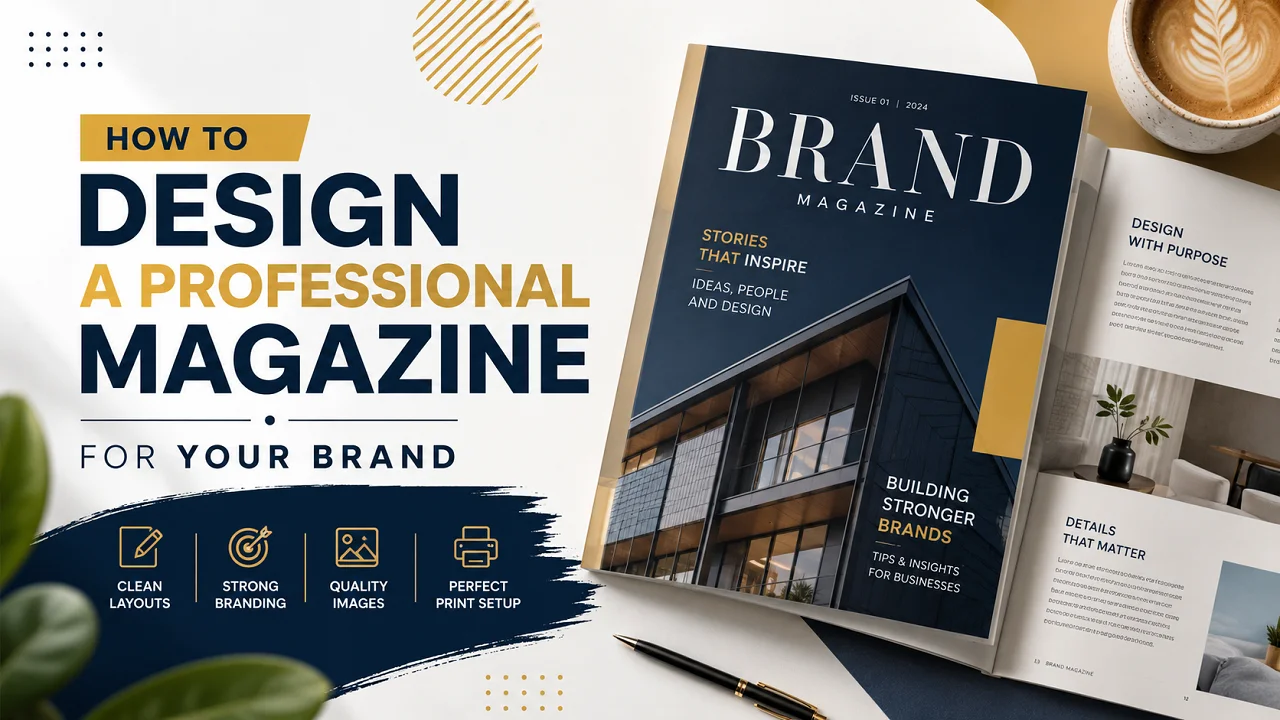
Creating a magazine for your brand is a smart way to build trust and show your business in a more professional light. A well designed magazine can share your story promote your products and help customers connect with your brand.
Many Australian businesses use magazines for product launches events retail promotions real estate marketing fashion campaigns and corporate branding. Good magazine design keeps readers interested and gives your business a stronger brand image.
How Do You Design a Magazine for Your Brand?
To design a magazine for your brand start with a clear layout consistent colours readable fonts and high quality images. Plan each page before designing choose the right paper finish and prepare print ready files before sending your magazine for professional printing.
Start With Your Brand Style
Before designing your magazine think about how your brand should look and feel. Your magazine should match your website packaging logo colours social media and other printed materials.
For example luxury brands often use clean layouts soft colours and minimal text. Fashion brands usually focus on strong images and modern typography. Corporate brands often use simple layouts with organised sections.
Keeping your brand style consistent helps your magazine look more professional and easier to recognise.
Choose the Right Magazine Size
The size of your magazine affects the layout reading experience and final print result. Some sizes are better for product photography while others work better for guides catalogues and text heavy content.
| Magazine Size |
Best For |
Style |
| A4 |
Corporate magazines product catalogues and brand guides |
Professional |
| A5 |
Event guides promo booklets and compact magazines |
Easy to carry |
| Square |
Fashion lifestyle beauty and creative brands |
Modern |
Plan Your Magazine Layout
A good layout makes the magazine easier to read. If the pages feel too busy people may lose interest quickly.
Try to use enough white space between sections. Keep headings clear and make sure images are placed neatly. Each page should feel balanced and easy to read.
A simple magazine structure can include:
- Cover page
- Contents page
- Brand story
- Feature articles
- Product or service pages
- Customer stories
- Contact details
- Final call to action
Use High Quality Images
Images are one of the most important parts of magazine design. Low quality photos can make your whole magazine look less professional.
Use clear high resolution images that suit your brand style. Product photos should be sharp and lifestyle images should feel natural. Avoid stretched blurry or dark images because they may not print well.
If your magazine is used for products or retail promotions professional photography can make a big difference.
Pick Fonts That Are Easy to Read
The font style you choose can change the feel of the whole magazine. Keeping the fonts simple usually gives the pages a cleaner and more professional look.
A simple rule is to use one font for headings and one font for body text. Headings can be bold and eye catching while body text should be clean and comfortable to read.
Readable fonts help customers enjoy the magazine without struggling through the content.
Keep Colours Consistent
Colour plays a big role in brand recognition. Your magazine colours should match your logo website packaging and other marketing materials.
Many brands stick with a small colour palette so the magazine feels more balanced and easier to look through.
Consistent colours also make your brand feel more polished and trustworthy.
Design a Strong Cover Page
The cover page is the first thing people see. It should grab attention while still looking clean and professional.
A good magazine cover usually includes a strong headline clear branding high quality imagery and easy to read typography. Avoid adding too much text to the cover because it can make the design feel busy.
Simple covers often look more premium and modern.
Choose the Right Paper and Finish
The paper and finish can change how your magazine feels in hand. A premium finish can make your magazine look more valuable while a natural finish can suit eco friendly brands.
| Finish |
Look |
Best Use |
| Gloss |
Shiny bright and vibrant |
Fashion product and retail magazines |
| Matte |
Smooth soft and premium |
Luxury corporate and lifestyle brands |
| Uncoated |
Natural and simple |
Eco friendly and creative brands |
Prepare Your Magazine Files for Printing
Before sending your magazine for printing make sure the artwork is print ready. This helps avoid delays and printing issues.
Most printers prefer files in PDF format with CMYK colour mode bleed included and high resolution images. It is also a good idea to check spelling page numbers image quality and alignment before final approval.
Once your design is ready you can move ahead with professional custom magazine printing to bring your magazine to life.
Quick Magazine Design Checklist
- Choose a magazine size before designing
- Use brand colours and fonts
- Keep layouts clean and easy to read
- Use high resolution images
- Leave enough white space
- Create a strong cover page
- Choose the right paper finish
- Save files in print ready format
- Check spelling and page order before printing
Common Magazine Design Mistakes to Avoid
Using Too Much Text
Large blocks of text can make pages hard to read. Break content into short sections and use headings to guide the reader.
Using Poor Quality Images
Low resolution images may look blurry when printed. Always use clear and sharp images for better results.
Changing Fonts Too Often
Too many fonts can make the magazine look messy. Keep your typography simple and consistent.
Ignoring White Space
White space helps the design breathe. It also makes your content easier to read.
Forgetting Print Setup
Incorrect file setup can affect the final print result. Always check bleed colour mode image resolution and file format before printing.
Why Magazine Design Matters For Branding
A professionally designed magazine can help your business build trust promote products share stories and create a stronger brand experience.
Printed magazines still work well because they give customers something physical to hold and keep. For many Australian brands a custom magazine can support product launches retail campaigns event promotions and customer education.
People often remember a brand more when the magazine feels well made and professionally printed.
Final Thoughts
A well designed magazine usually comes down to clean pages consistent branding and good quality images that fit the style of your business.
A good magazine should feel simple to read and professional in hand. It should also reflect your brand style from the first page to the last.
If you are ready to print your magazine Fine Packaging offers premium custom magazine printing in Australia with custom sizes quality finishes and flexible order options.
FAQs
Can I design a magazine myself?
Yes you can. Many small businesses create their own magazine layouts before sending the files to a printer. Keeping the design simple usually gives better results.
What size is best for magazine printing?
A4 is a common choice because it gives enough room for both images and text. Some brands also prefer smaller sizes for handouts and event magazines.
Most printing companies ask for a PDF file because it helps keep the layout and image quality in place during printing.
How many pages should a branded magazine have?
There is no fixed number. Some magazines are only a few pages while others include full product collections stories or business updates.
What paper works best for magazines?
That depends on the style you want. Gloss paper looks brighter while matte paper feels softer and more premium in hand.